
October 28, 2026 · 1 min read
Add a Pathlings Widget to Your iPhone Home Screen
Keep your buddy close with a Home Screen widget and a simple setup checklist.
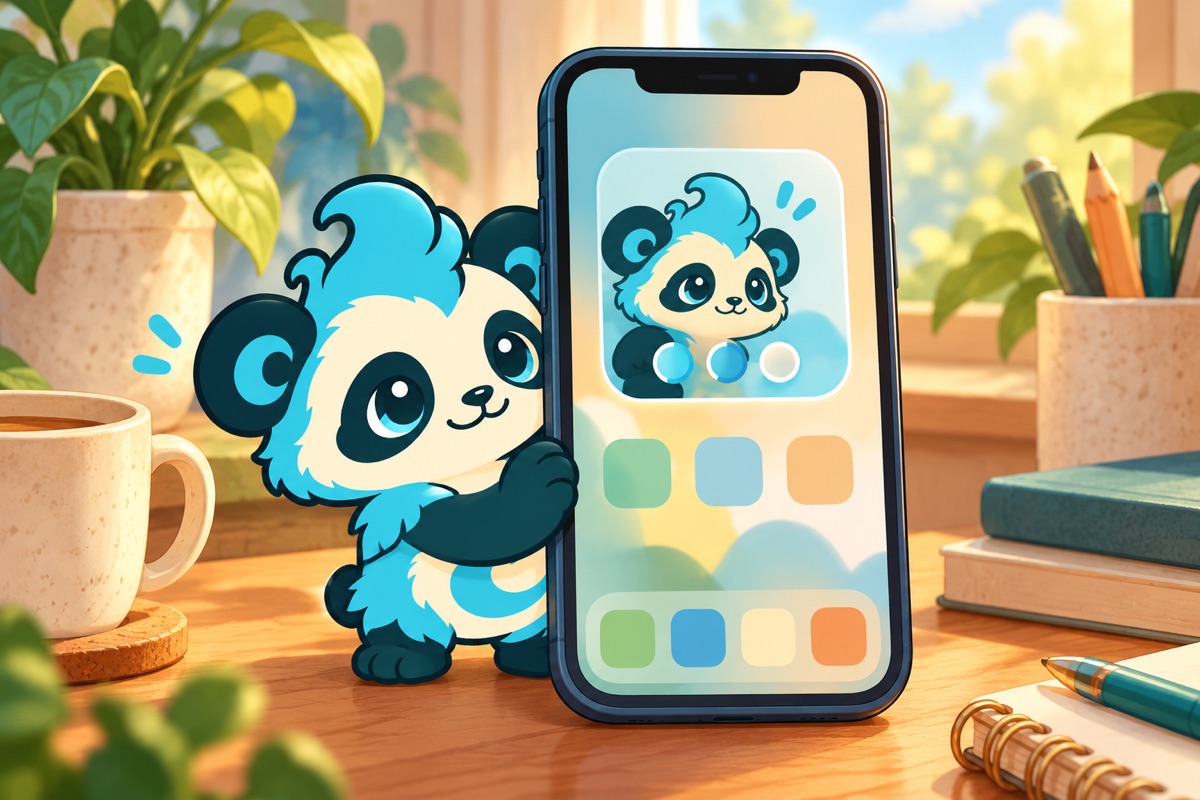
A Pathlings Home Screen widget puts a small buddy check-in near the other things you use on your iPhone. The current app supports buddy widgets, including Feed and Play shortcuts, so you can choose a useful surface without opening every part of the game.
Add the widget through the iPhone gallery
On the Home Screen, touch and hold an empty area, open Edit, choose Add Widget, and find Pathlings. Pick an available size and add it to the page you prefer. Finish editing when the placement looks right.
Apple documents the current process in Add and edit widgets. Labels can vary across iOS versions.
Choose placement by purpose
If the widget is a walking cue, place it on a Home Screen you naturally see before leaving. If it is mainly for checking on your buddy, put it somewhere that makes a quick visit pleasant.
A crowded page can make a useful widget easy to overlook. You can move it while editing the Home Screen rather than redesigning everything at once.
Try one interaction while you are stopped
Explore the Feed and Play shortcuts offered by your widget. Check how they behave on your device before relying on them during a busy moment. Some actions or device states may bring you into the app.
The widget is a convenient doorway into the companion experience. An ongoing recorded walk uses a Live Activity, which is a separate feature.
If Pathlings is missing from the gallery
Open the installed app and complete its initial setup, then look again in the widget gallery. Check for an app update if necessary. If the issue persists, record your iPhone model, iOS version, and what the gallery shows when contacting support. Avoid reinstalling before checking what progress is backed up.
Download Pathlings on the App Store to give your everyday steps a companion. For more, read how Pathlings counts steps.

Thanks for reading
If you liked this, you'll probably like Pathlings.