
October 29, 2026 · 1 min read
How Trail Run Tickets Work in Pathlings
Connect your daily step goal with Trail Run tickets, then enjoy the runner game when you stop.
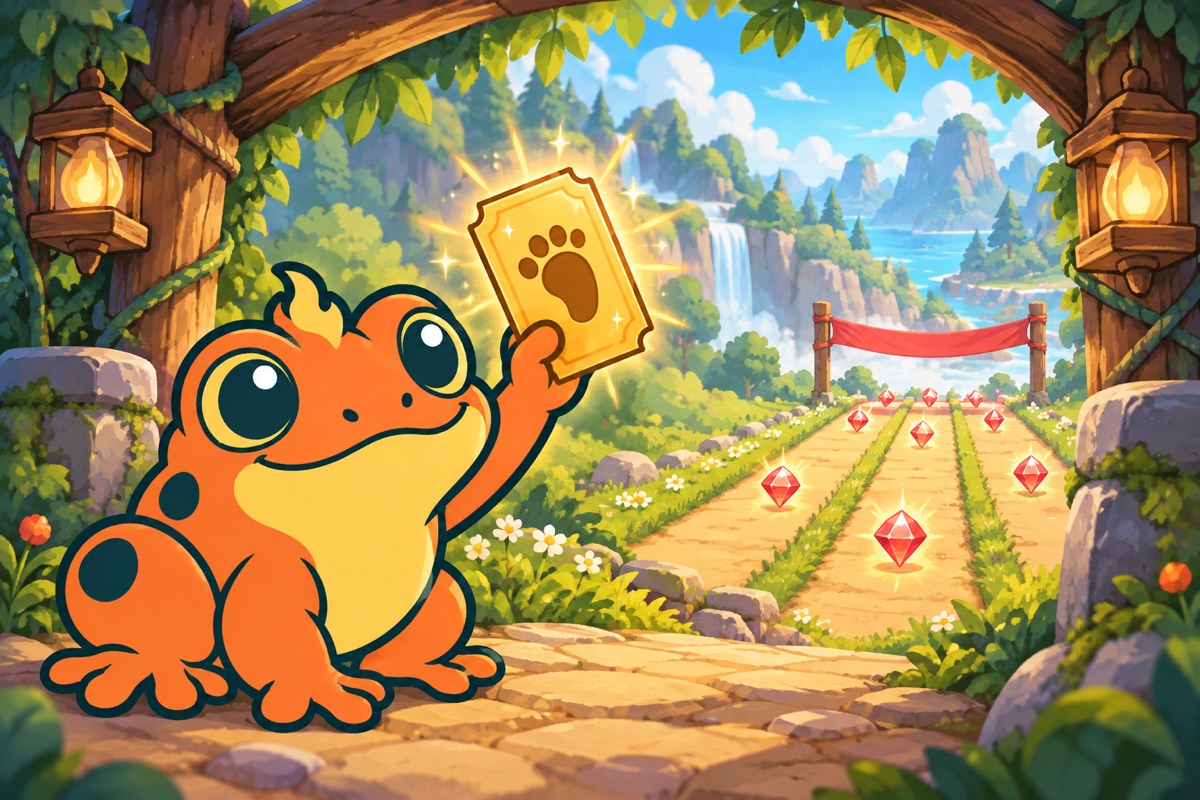
Trail Run tickets connect reaching a daily walking goal with Pathlings’ runner minigame. The current app description says hitting your step goal earns tickets, which you can use for a Trail Run. Think of the ticket as access to a game session, not as another form of XP.
Check the goal and ticket display
Before planning around a run, look at today’s walking goal and the tickets available in your app. Use the displayed balance and instructions rather than assuming that every short walk creates a ticket.
A recorded walk can have its own daily Ruby bonus. That is different from the ticket you earn through reaching the day’s goal.
Know what you are entering
A Trail Run is an on-screen course where you switch lanes, jump over obstacles, and collect Rubies. The current listed course length is 1,000 meters in the game.
Find a comfortable place to stop before playing. The runner is an active screen interaction, so save it for a moment when you can focus on the game controls.
Give the first run a learning objective
Instead of trying to collect everything immediately, notice how the lane switch and jump timing feel. Learn one kind of obstacle, then try to recognize it earlier on the next attempt.
A missed Ruby or early collision is information about the game. It does not undo the real walk you already took to work toward the ticket.
Choose the reward loop you enjoy
Some players may like saving a run for after their evening walk. Others may prefer checking quests, visiting their buddy, or working on a habitat. Pathlings offers several ways to enjoy progress, and a ticket can be part of that longer adventure without making every outing feel like a test.
Download Pathlings on the App Store to give your everyday steps a companion. For more, read XP, quests, and Rubies.

Thanks for reading
If you liked this, you'll probably like Pathlings.